
Interior Design
See your whole room come together before you change a thing.
Generate designs with AI in seconds. Upload a photo and restyle any interior, exterior or garden—no design skills required.
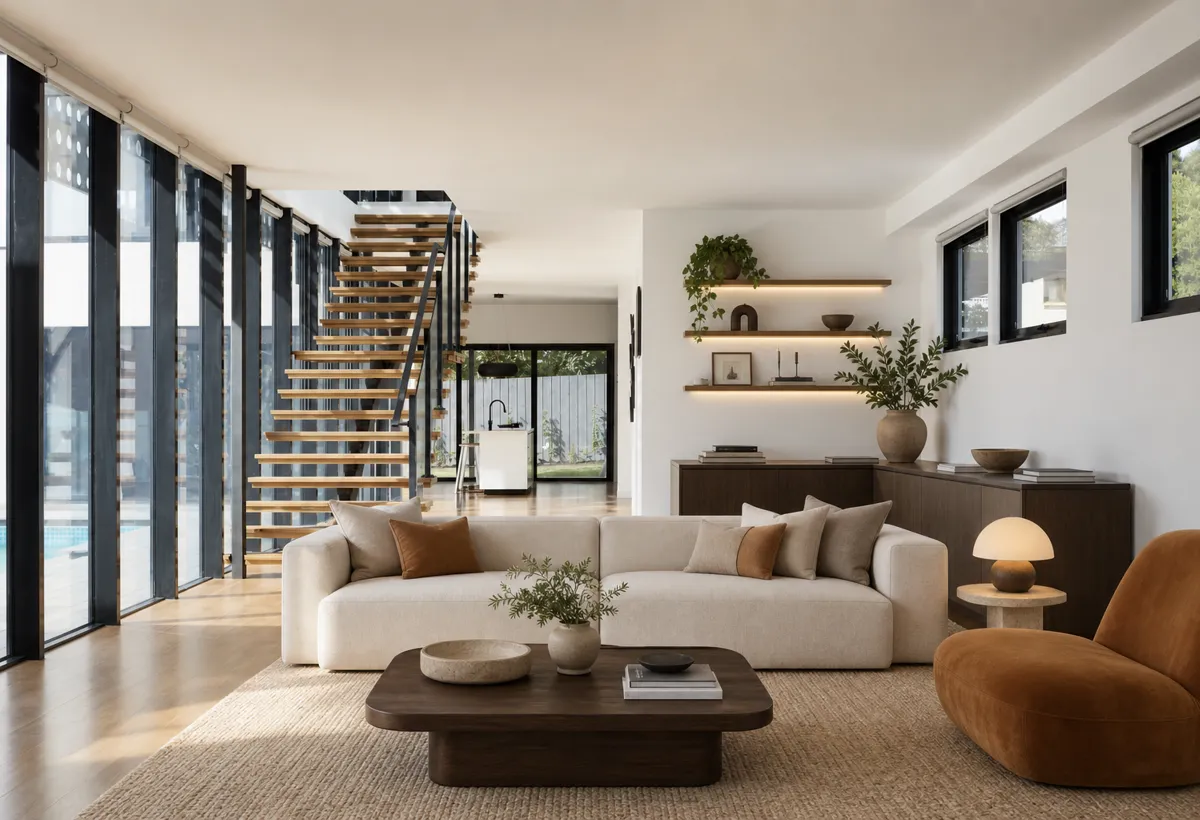
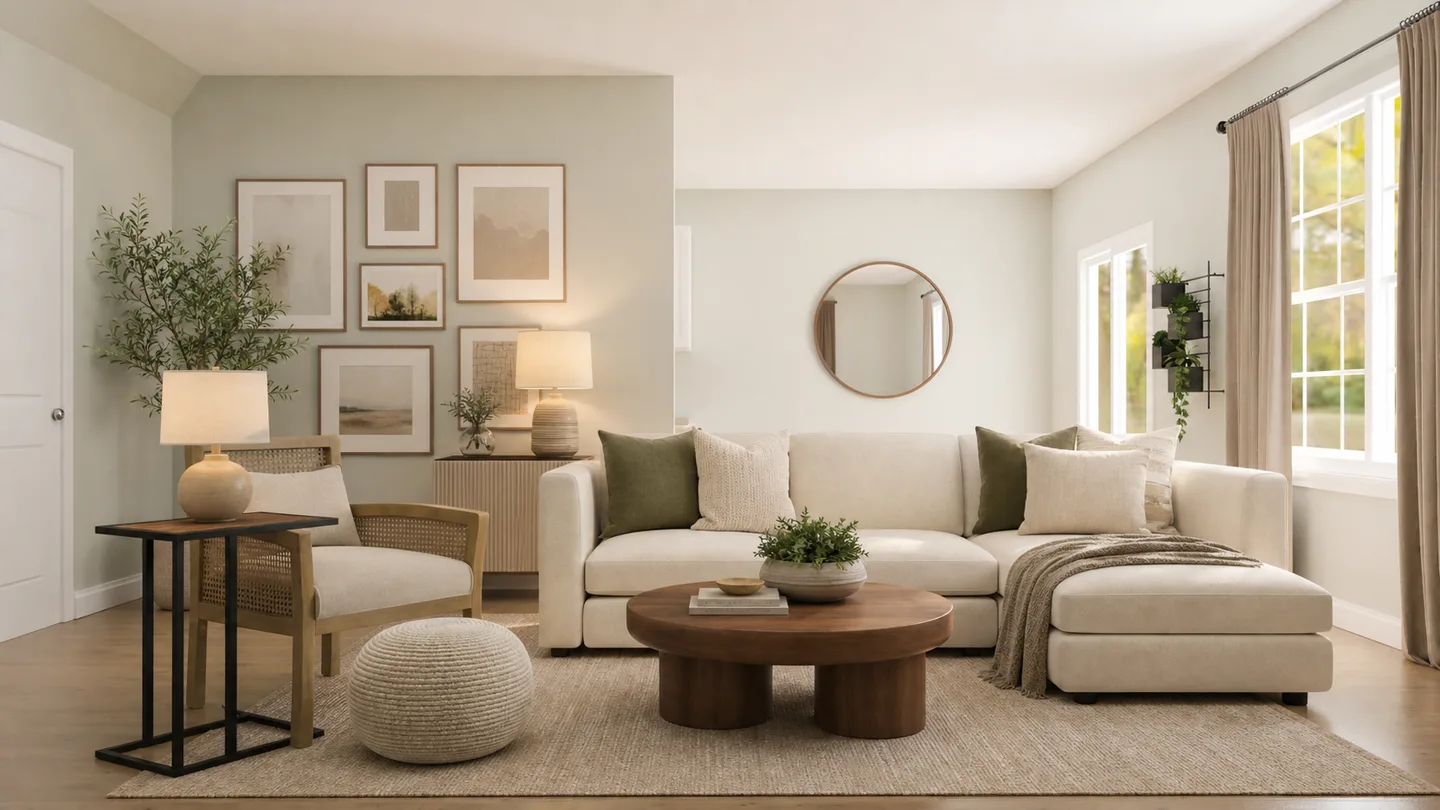
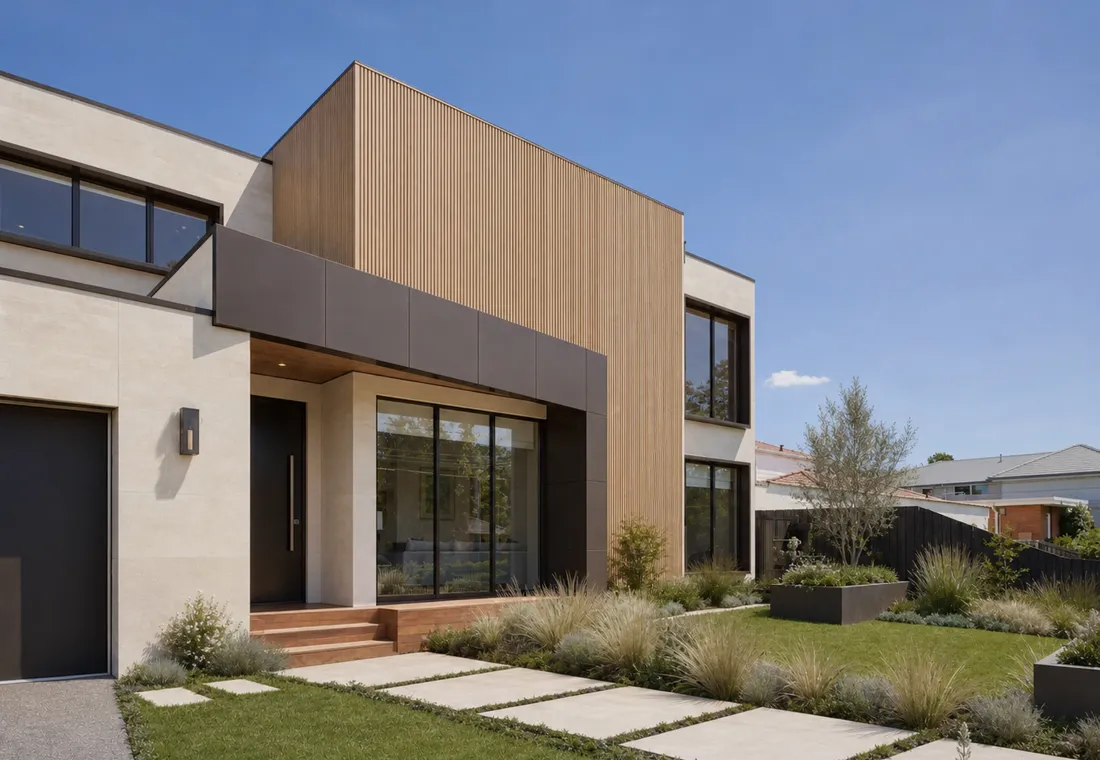
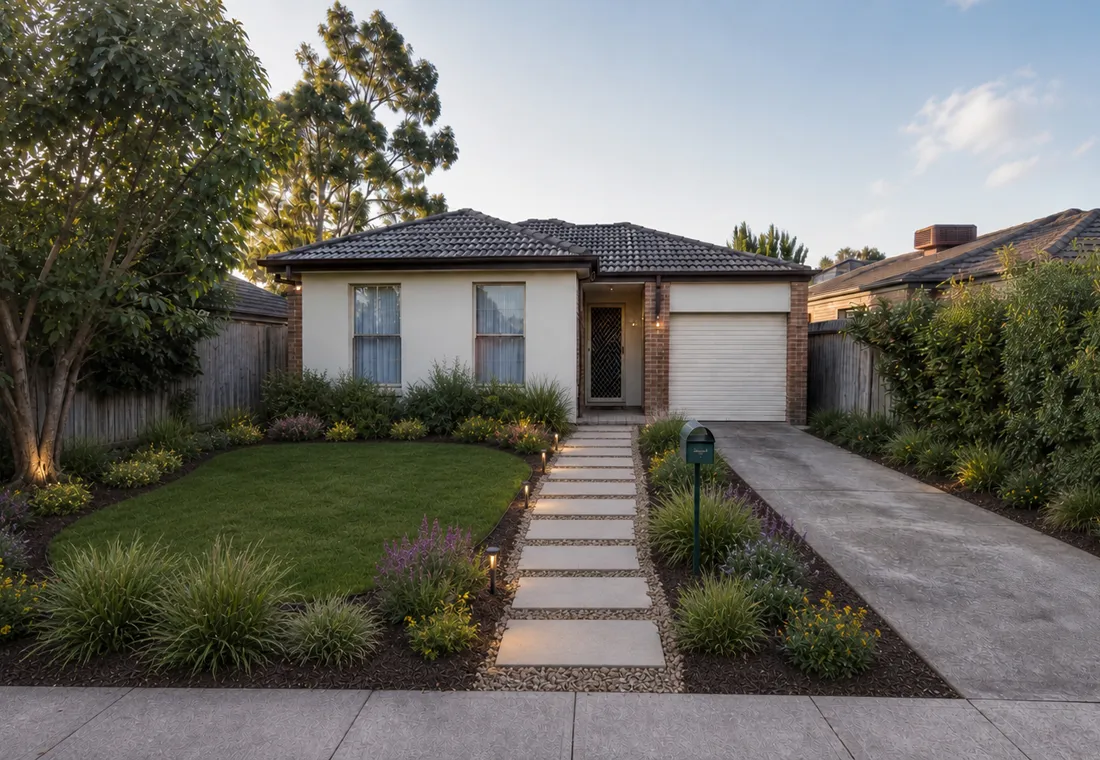
Explore every way RoomWise can help you see the change before you make it.
See your whole room come together before you change a thing.
Give the front of your home the welcome it deserves.
Turn unused outdoor space into somewhere you want to spend time.
Know if a new floor is the piece that pulls it all together.
See the room again, without the mess getting in the way.
Try a better fit before you replace a single thing.
See an empty room as the finished space it could be.
Find the backdrop that makes the whole room feel right.
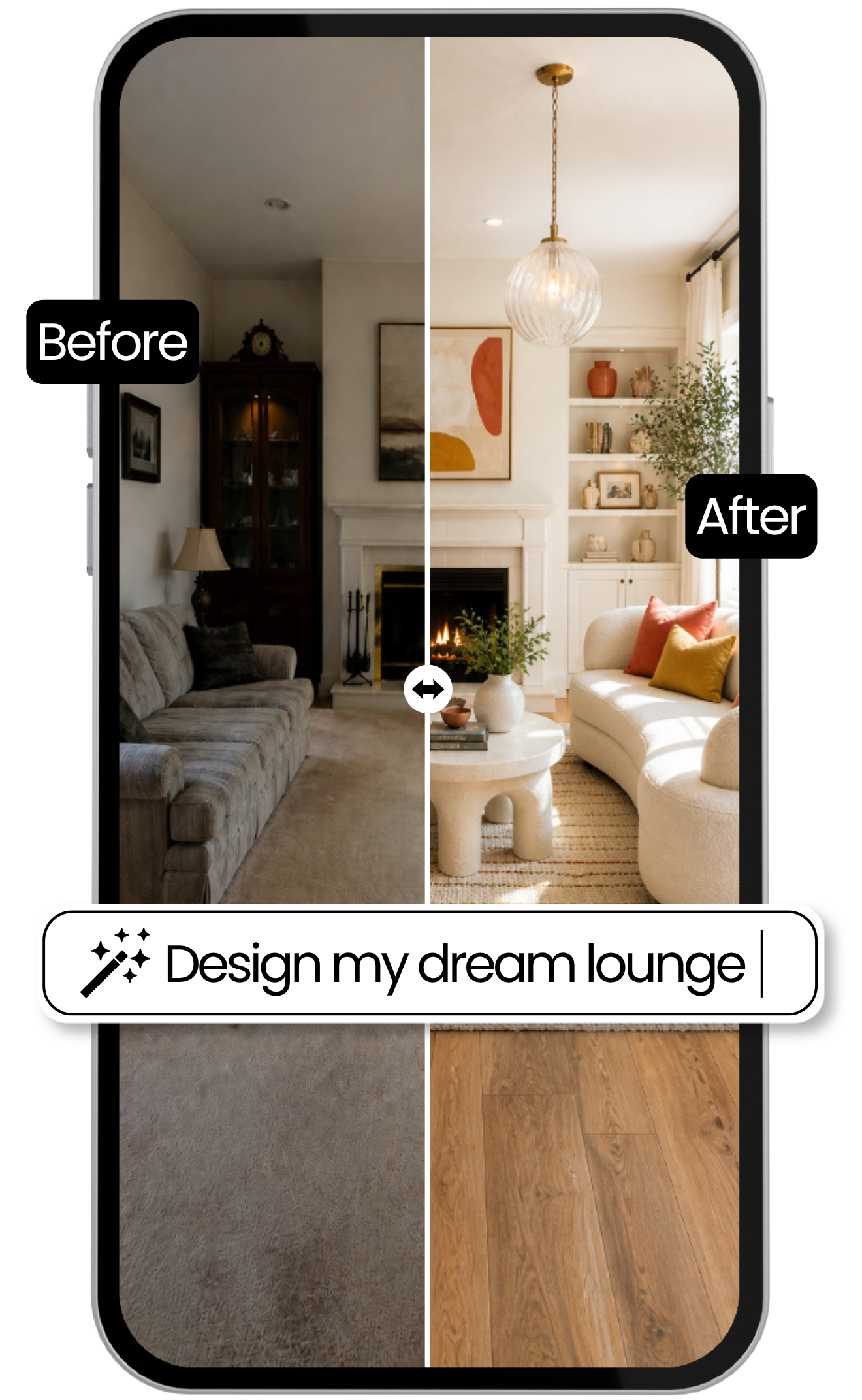
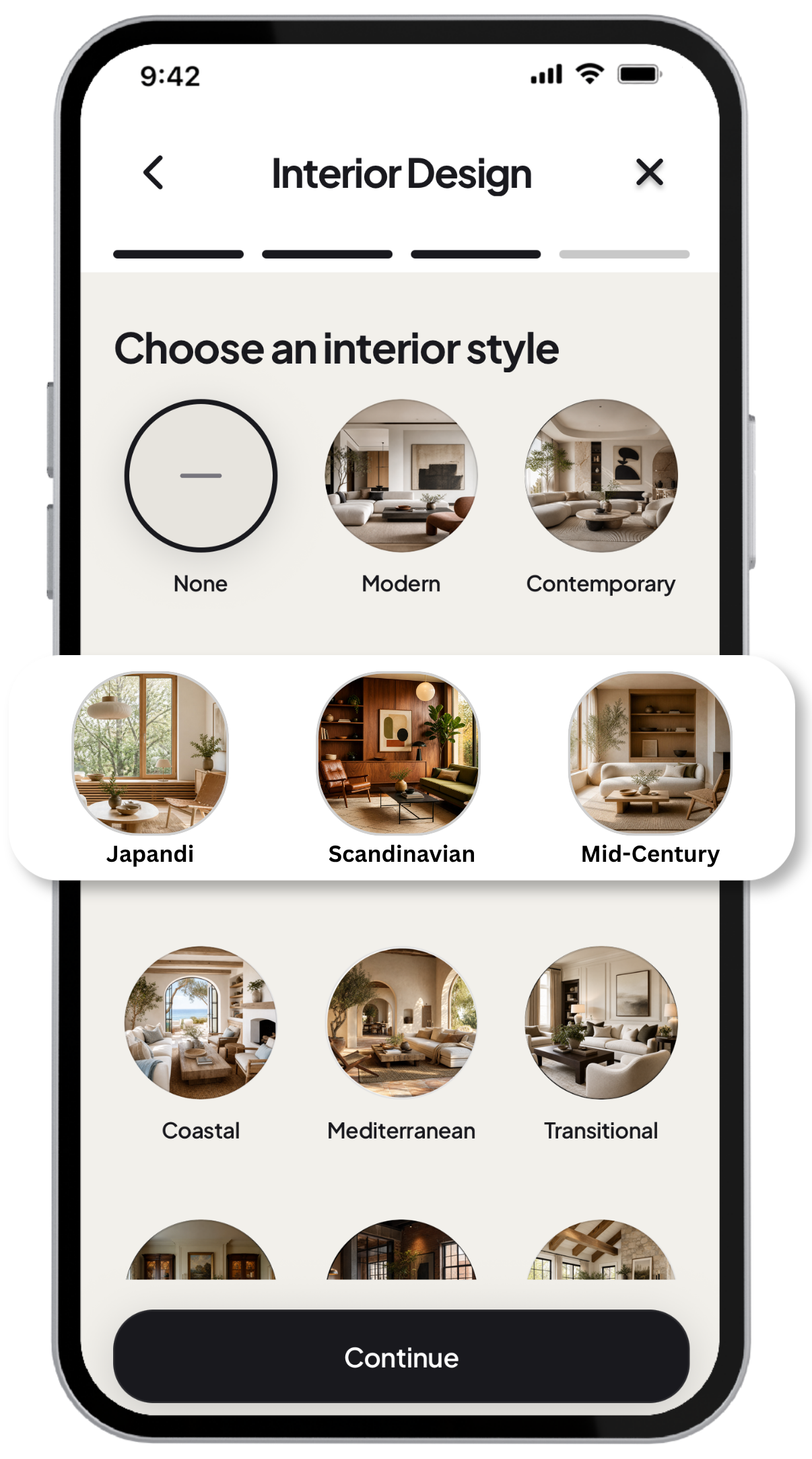
Turn your room into a new direction and compare the before and after before you commit.
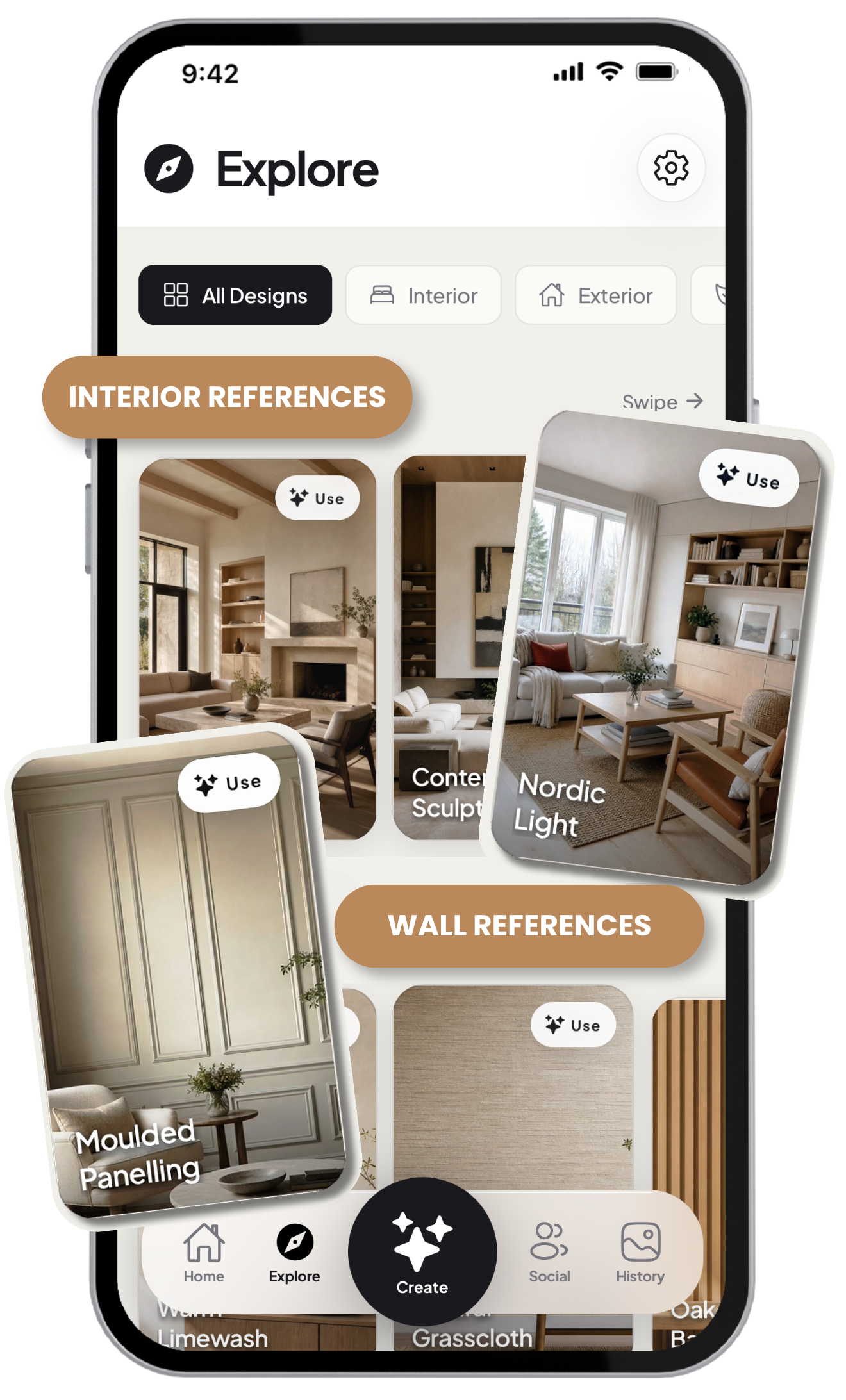
Find interiors, exteriors and finishes that feel right, then use one as the direction for your space.
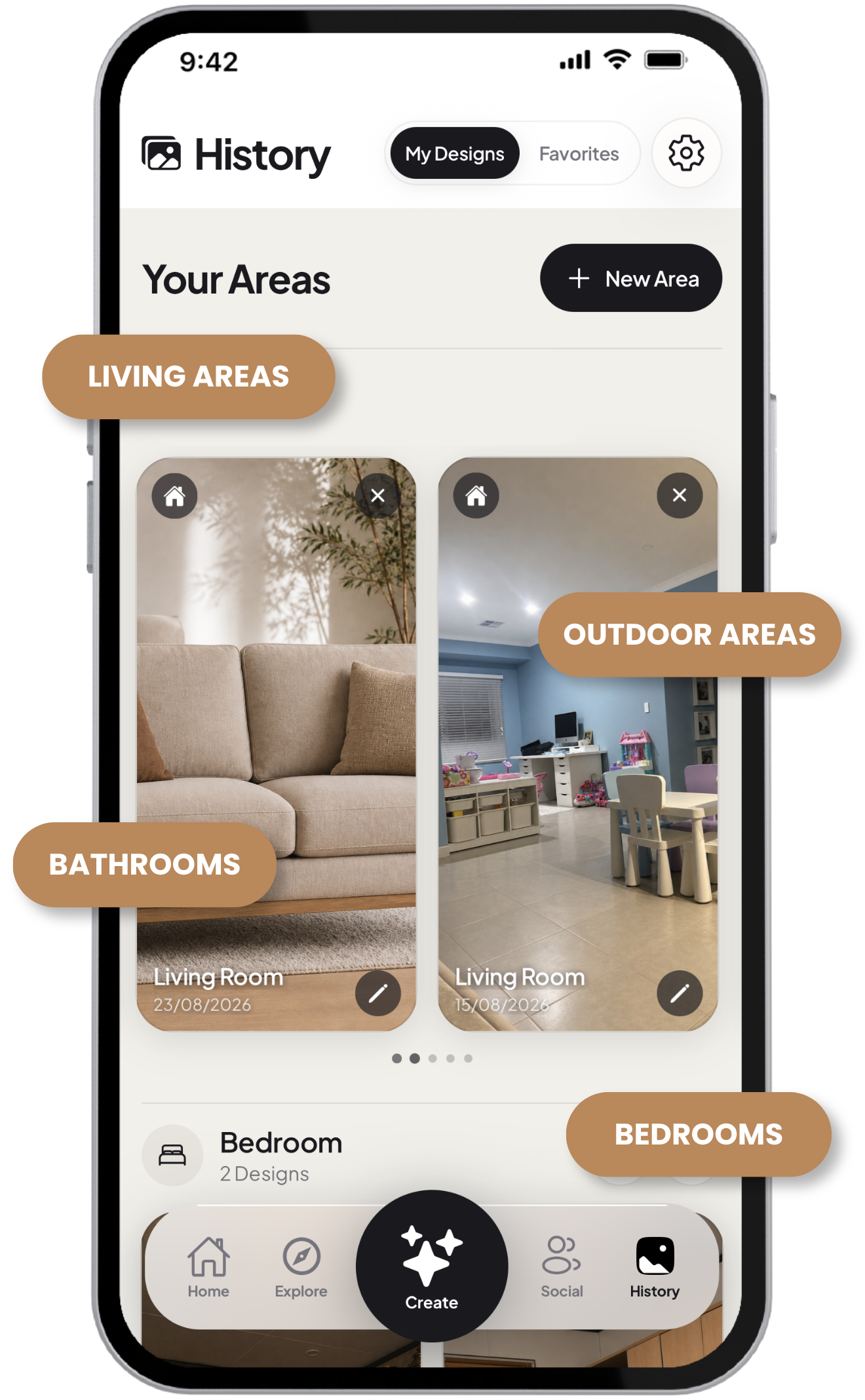
Save room designs by area, compare versions and come back to the ideas worth keeping.
Choose a style, describe what you want and see a new direction for your space in seconds.
Before
After
The room you have, with the feeling you want
“Create a calm reading room for two. Add warm timber, low storage and layered evening light. Keep the windows and floor unchanged.”
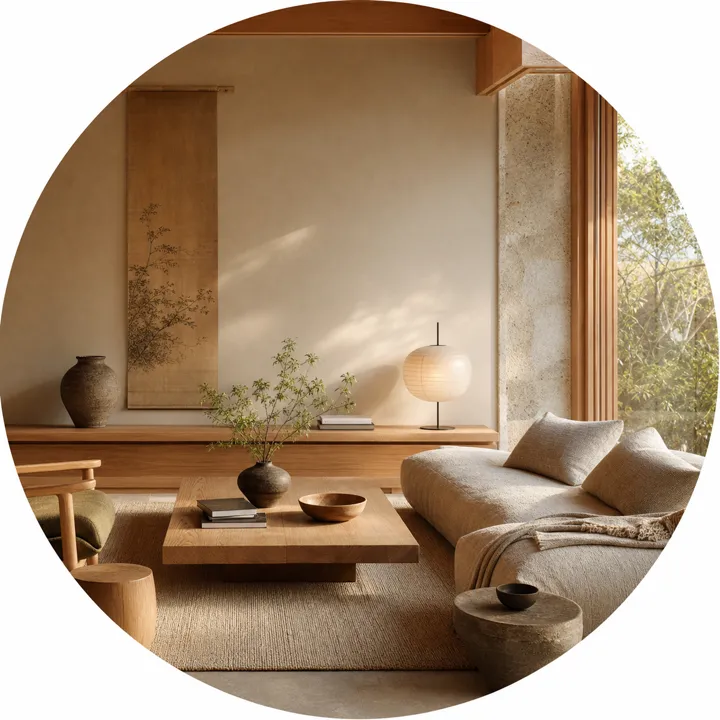
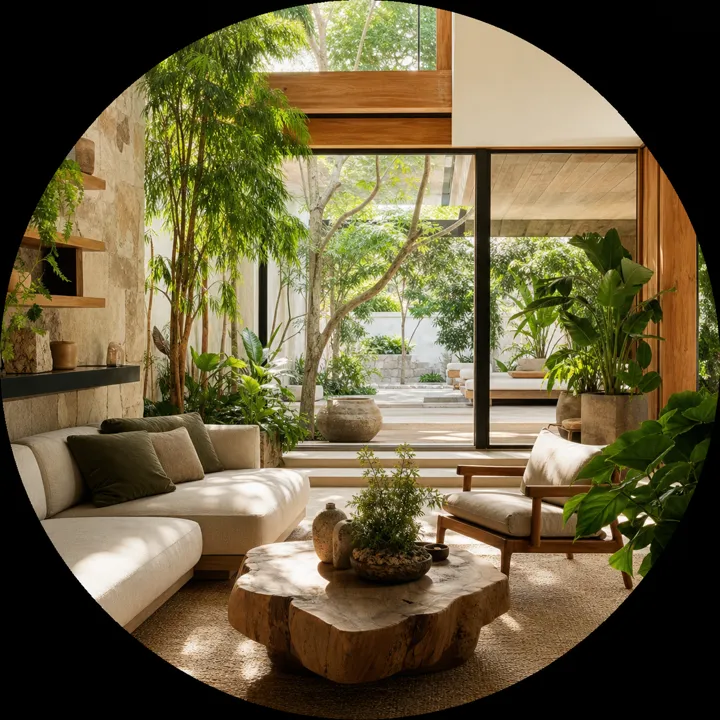
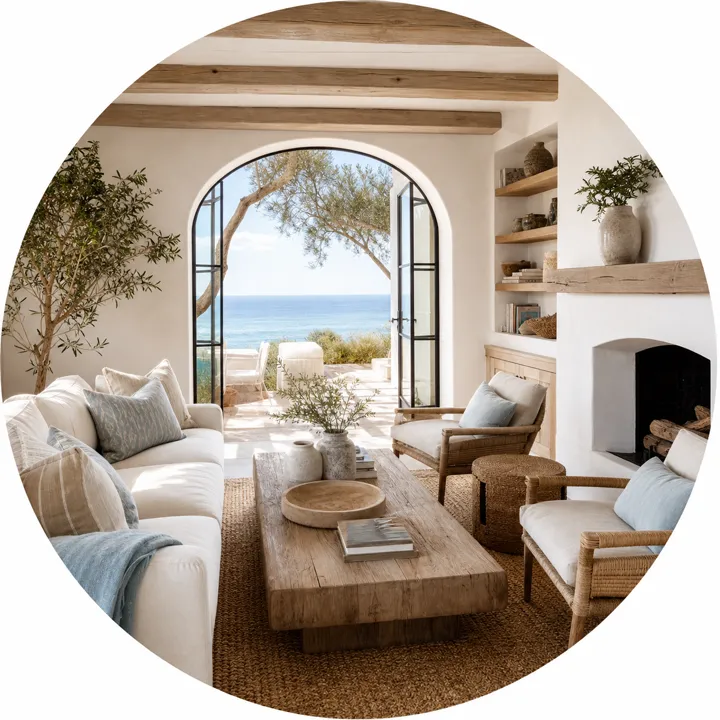
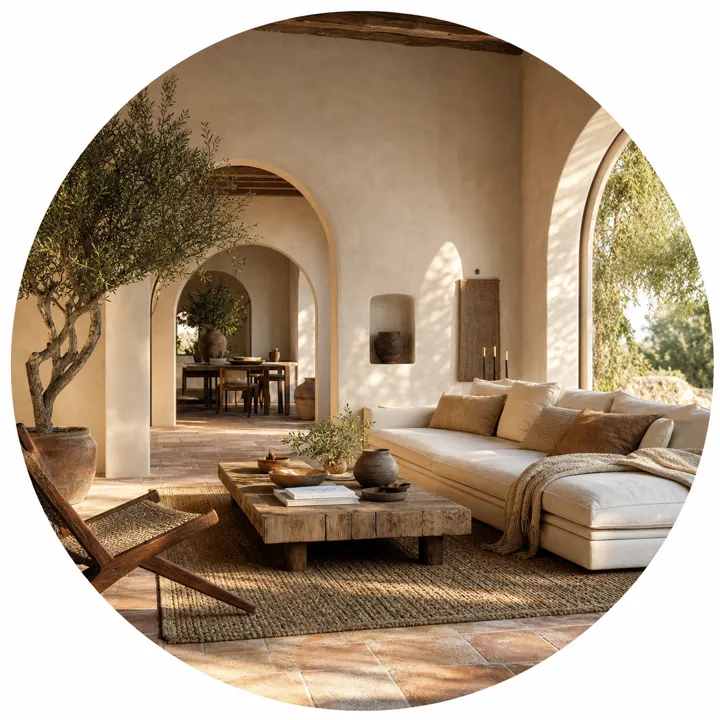
Use a photo of your own interior, exterior or garden. RoomWise works from the layout, light and character already there.
Restyle the whole space, clear visual clutter, update a surface or replace one piece. You choose the direction and the scope.
Compare new directions in seconds and save the ideas worth returning to. RoomWise is for visual inspiration, not building, planning or safety advice.
FAQ's
Everything you need to know before you upload your first photo.
Use it to explore a new look for an interior, exterior or garden, clear visual clutter, rethink a room, or try a focused change like new flooring, a wall colour or a replacement piece of furniture.
Yes. Choose a photo from your library or take one in the app. A clear, well-lit photo that shows most of the space will give you the best starting point.
RoomWise uses your photo as the starting point, so the aim is to keep the shape, perspective and character of your space while you explore a different direction.
No. Start with your photo, choose the kind of change you want to see and describe what is on your mind. RoomWise helps you turn a rough idea into something you can actually look at.
Yes. Your projects stay private unless you choose to share a design in Social. Uploading a photo does not make it public.
RoomWise is for visualising ideas before you commit. It is not a construction plan, so speak with a qualified professional before making structural, safety or planning decisions.
Made for iPhone and iPad
Upload a photo and explore what could work in your home before you commit your time, money or energy.
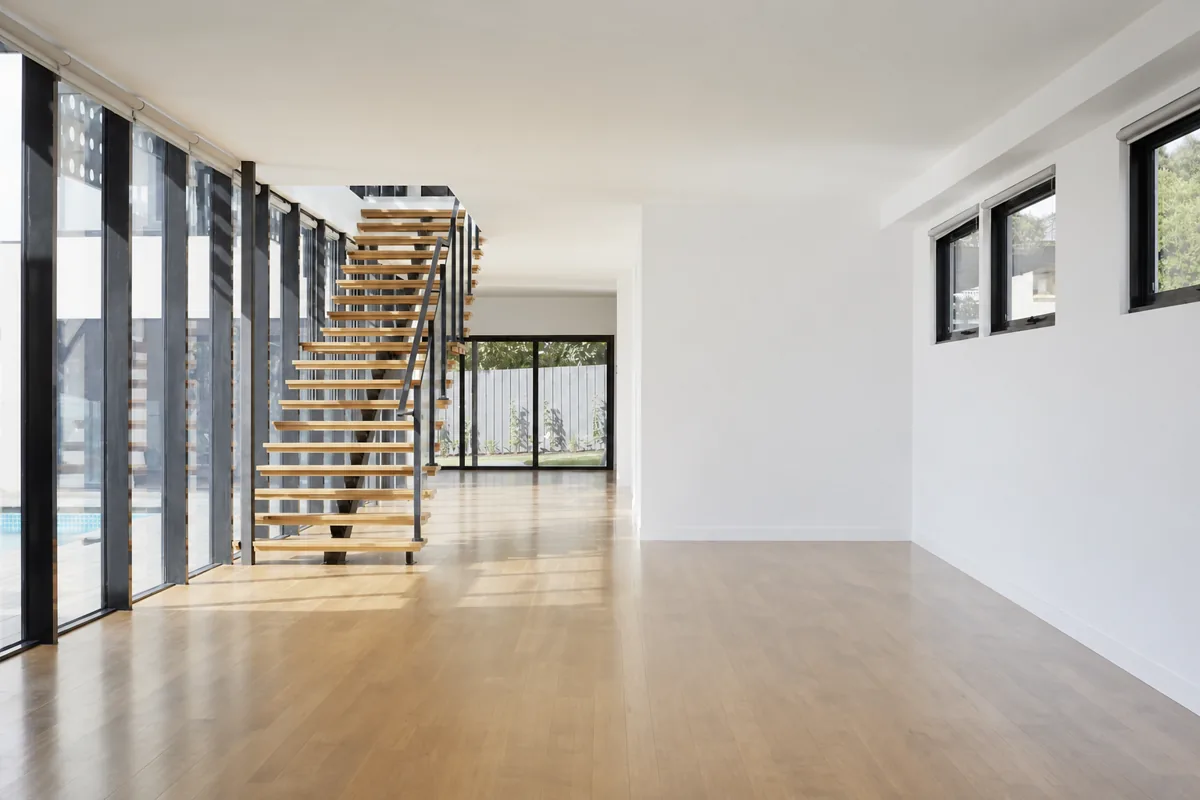
Find the spark.
Make it yours.
Discover RoomWise transformations from real spaces, fresh interiors, outdoor upgrades and everything in between. Save the designs that stop you scrolling, then use one as the starting point for your own.
Search by room, style or mood, see how other members bring an idea to life and keep a collection of inspiration for your next move.